
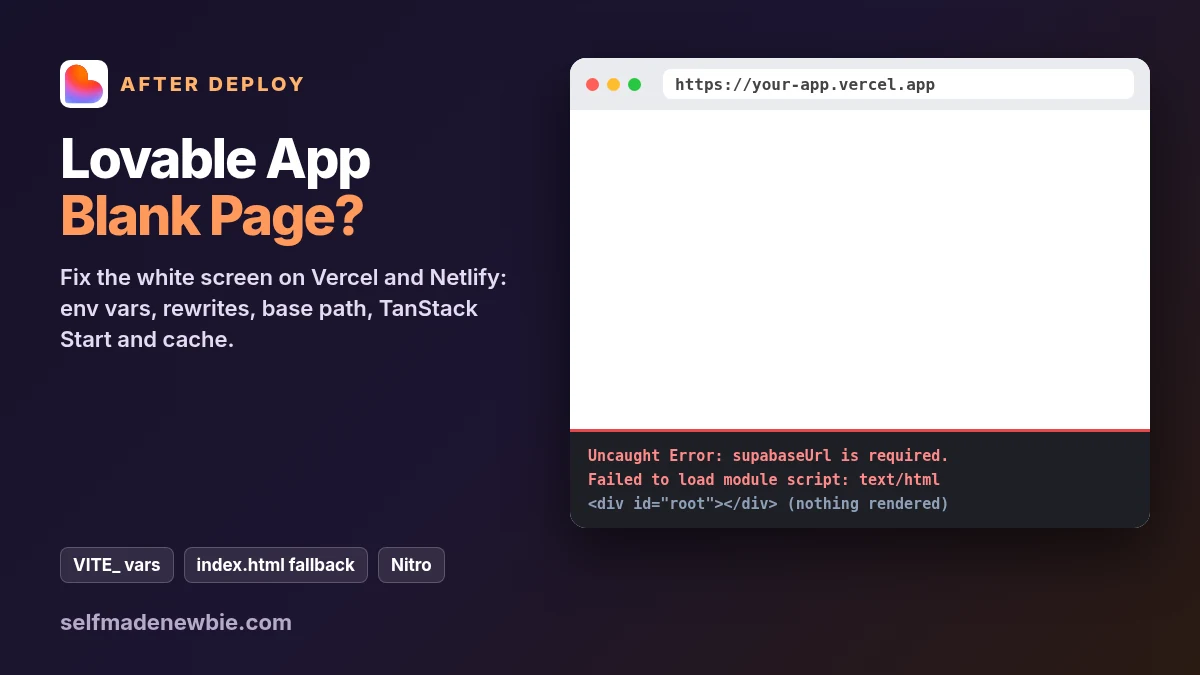
Lovable App Blank Page After Deploy? How to Fix It (2026)
Your app works perfectly in the builder preview. You deploy it to Vercel, Netlify or your own server, open the live URL and get a blank white page. No error on screen, no layout, nothing. If you built it with Lovable, Bolt, v0 or Cursor, this is one of the most common problems after the first real deploy, and it almost always has one of a handful of causes.
A Lovable app blank page after deploy means the browser got your HTML but the JavaScript either never loaded or crashed before React could draw anything. The fix depends on which of those happened, and on which stack your project uses: newer Lovable projects run on TanStack Start (a server app), older ones are plain React + Vite (static files). This guide shows how to tell them apart in two minutes, then gives the exact settings and copy-paste config for each fix. If your problem is only a 404 when you refresh a page, read Vercel 404 on refresh. If the whole build fails, read Lovable app broken after export.
Quick answer: Open the browser console on the live URL. If it says supabaseUrl is required., your VITE_ env vars were missing at build time: add them on the host and redeploy. If JavaScript files 404 or return text/html, fix base, the output directory or your rewrite. If the project lists @tanstack/react-start, deploy it to a host that runs the server part with Nitro.
| What you see | Most likely cause | Check | Fix |
|---|---|---|---|
Blank page, console shows supabaseUrl is required. | VITE_SUPABASE_URL was not set when the app was built | Host env settings, and the time of the last build | Add the VITE_ vars, then redeploy |
| You added env vars but the page is still blank | The running deployment was built before you added them | Deployment date vs the env change | Trigger a new deployment (Redeploy) |
Failed to load module script or MIME type text/html | JS files are missing at that URL and the server sends HTML instead |