
Lovable or Bolt App Broken After GitHub Export? Fix (2026)
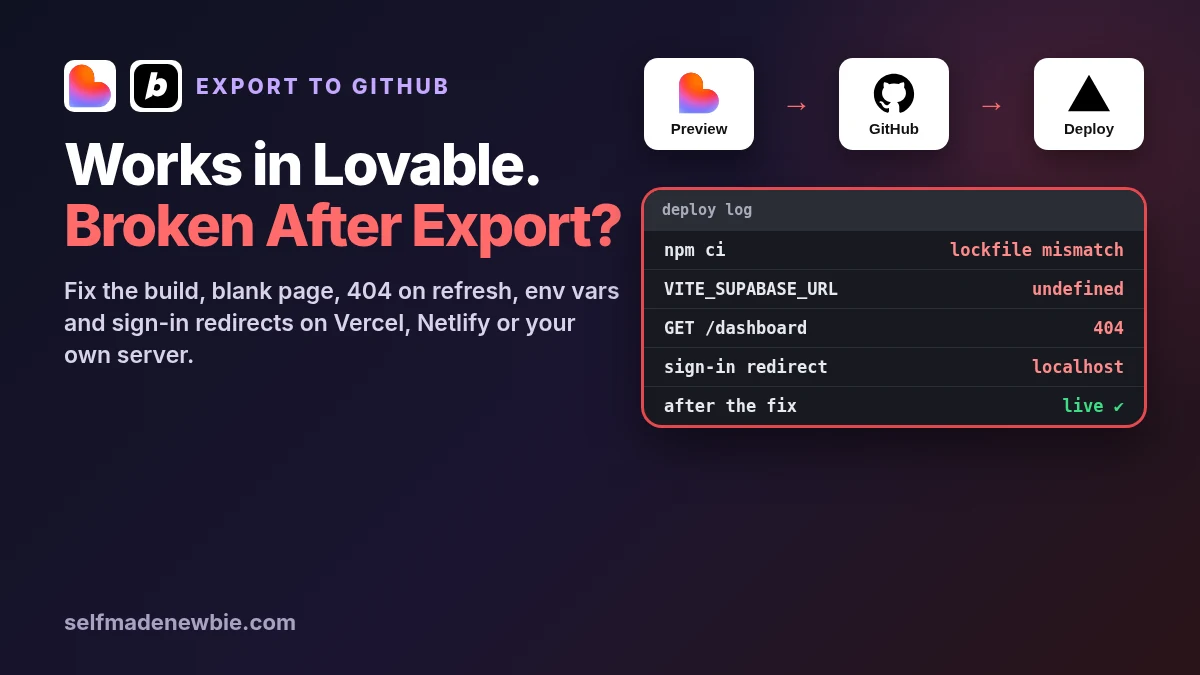
Your app works perfectly in the Lovable or Bolt preview. You connect GitHub, import the repo into Vercel, Netlify or another host, hit deploy, and get a failed build, a blank white page, a 404 on every refresh, or a sign-in button that bounces users back to localhost. Nothing in your code changed. So what broke?
When a Lovable app broken after export (or a Bolt app) fails on a new host, the code is almost never the problem. The builder’s preview quietly supplies things GitHub doesn’t carry: environment variables, a server runtime, routing rules, secrets and approved sign-in URLs. Once the code runs somewhere else, each of those has to be set up again. This guide shows you which one is missing and gives you the copy-paste fix. Just want the standard deploy steps? See how to deploy a Lovable app first, then come back here if something breaks.
Quick answer: An app that breaks after export to GitHub is usually missing one of six things on the new host: the right stack setup (Lovable projects created since May 13, 2026 use TanStack Start and need a server), Node 22 and a matching lockfile, the VITE_SUPABASE_* env vars at build time, a routing fallback, Supabase redirect URLs, or server secrets.
| What you see | Most likely cause | Check | Fix |
|---|---|---|---|
| Build fails on install | Lockfile and package manager mismatch, or wrong Node version | Build log: npm ci or bun install error | One lockfile, commit it, pin Node 22 |
| Build fails: nitro or output directory errors | TanStack Start project on an old build config | package.json for nitro and @lovable.dev/vite-tanstack-config | Update the config package, keep nitro installed |
| Blank white page | Missing VITE_SUPABASE_URL or key at build time | Browser console errors | Add env vars on the host, then redeploy |
| 404 when you refresh a page | Older Vite app with no index.html fallback | Open a nested URL directly | Add the SPA rewrite for your host |
| 404 or errors on server pages | TanStack Start app deployed as static files | Is the host running server code? | Deploy to a host that runs the server |
| Sign-in redirects to localhost or fails | New URL not in Supabase redirect allow list | Auth, URL Configuration | Set Site URL and redirect URLs |
| Payments, emails or API calls fail | Server secrets never left the builder | Server or function logs | Add secrets to the host or Supabase |
| Your fix disappears after the next prompt | Two-way sync overwrote it | GitHub commit history | Commit fixes to the synced branch |
Want it fixed for you? Launch Mango moves your Lovable, Bolt, v0 or Cursor app onto your own GitHub, Supabase and Vercel accounts, live at a real URL. Own Your App is $79 one-off, usually done in 1 to 2 days, with money back if it isn’t live on your accounts. Own and Secure ($199) also fixes sign-in and redirects, Supabase RLS, exposed keys and live Stripe payments. Not sure what’s broken?