
Supabase Confirmation Email Link Not Working? Fix It (2026)
Your Lovable, Bolt, v0 or Cursor app signs people up just fine. Then the confirmation email arrives and the link opens localhost:3000, says Email link is invalid or has expired, or drops the user on your homepage still logged out. You searched for Supabase confirmation email link not working because real users are getting stuck at step one.
Good news: every one of these has a clear cause and a fix you can make in under an hour. The same rules cover signup confirmation, magic links, invites and password reset emails, so fixing one usually fixes all of them. If your problem is Google or GitHub sign-in rather than email, our OAuth redirect to localhost guide covers that side.
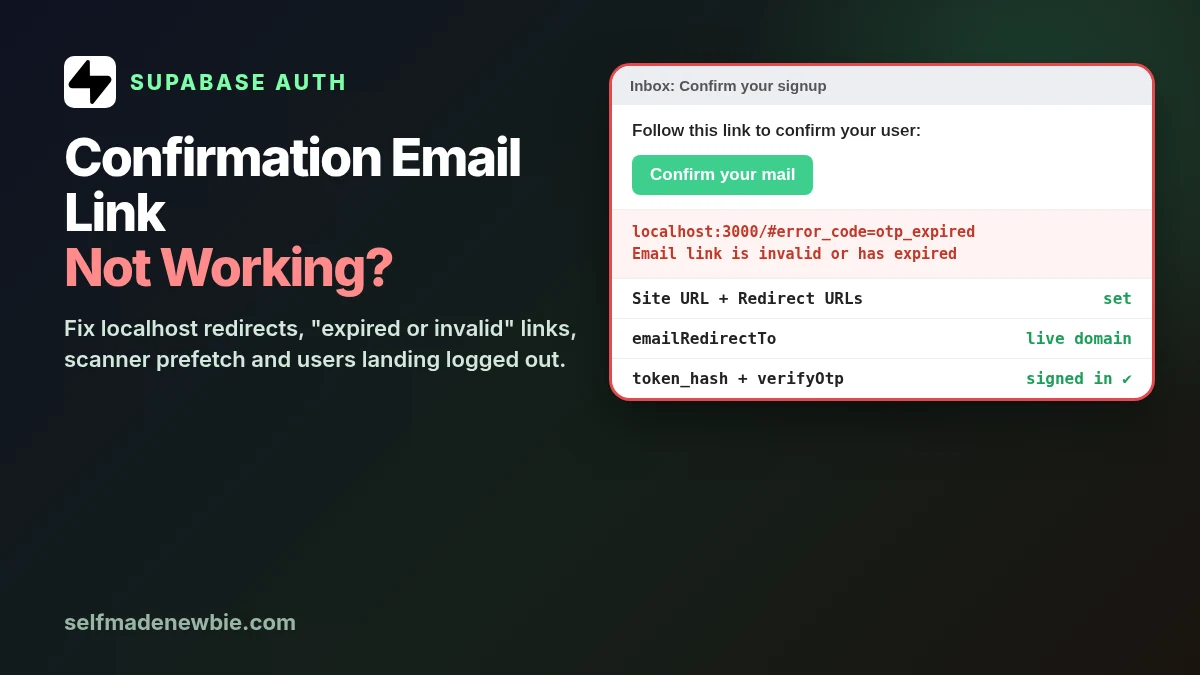
Quick answer: Set your Supabase Site URL to your live domain, add every real URL to Redirect URLs, and pass emailRedirectTo (or redirectTo for password resets) from your code. If links show as expired on the first click, an email scanner is using them up: switch the template to a token_hash link that opens a confirm page, then call verifyOtp when the user clicks a button.
| What you see | Most likely cause | Fix |
|---|---|---|
Link opens localhost:3000 | Site URL still at the default, or no emailRedirectTo | Set Site URL to your domain, pass emailRedirectTo |
| Link opens your old domain or a preview URL | Old Site URL, or a hard-coded URL in the code | Update Site URL, build the URL from your live domain |
otp_expired or “invalid” on the very first click | Email scanner or link tracking used the one-time link | Confirm page with a button, or a 6-digit code |
| Expired after the user waited a while | Older than the Email OTP expiration (1 hour by default) | Resend the email, check the expiry setting |
| Lands on the app but logged out | PKCE link opened in another browser or device, or the landing route drops the session | token_hash confirm route with verifyOtp |
| Reset link signs in but shows no password form | App ignores PASSWORD_RECOVERY or redirects to the homepage | Send users to an update-password page |
No email arrives, or |