
Launch Mango Review (2026): Own Your Vibe-Coded App, Safe for Real Users
You built an app in Lovable or Bolt. You hit Publish. It’s live, it works, and your friends think you’re a genius.
Then the awkward questions show up. Whose GitHub is the code on? Whose database holds your users’ emails? And who else can read that data? If the honest answers are “the builder’s” and “no idea”, you don’t really own your app yet. And once real people sign up or pay, an open database isn’t a small bug. It’s a disaster with your name on it.
That’s the gap Launch Mango says it fills. It’s a flat-price service that moves a Lovable, Bolt, v0 or Cursor app onto your own GitHub, Supabase and Vercel accounts, and on the bigger plan, locks down sign-in, payments and data so the app is safe for real users. In this Launch Mango review, I break down what you get for $79 or $199, what gets fixed, who should skip it, and how it stacks up against DIY, freelancers and other services.
Quick note: this review is based on what Launch Mango publishes on its own site (plans, FAQ and the free app check), checked on October 19, 2026.
Launch Mango
Moves your Lovable, Bolt, v0 or Cursor app onto your own GitHub, Supabase and Vercel accounts, then locks down sign-in, payments and data so it’s safe for real users. Flat one-off price from $79.
| Best For | Vibe-coded apps getting real users |
| Price | From $79 one-off (Own Your App $79, Own and Secure $199) |
| Discount | Money back if it isn’t live on your accounts |
| Promotion | Free app check |
Quick verdict: If your app has logins, user data or payments, Own and Secure at $199 is the easy pick. If you just want off the builder and onto accounts in your name, Own Your App at $79 does exactly that. Either way, you get your money back if the app doesn’t end up live on your accounts.
What Launch Mango Actually Does (Hint: Not Just Deploy)
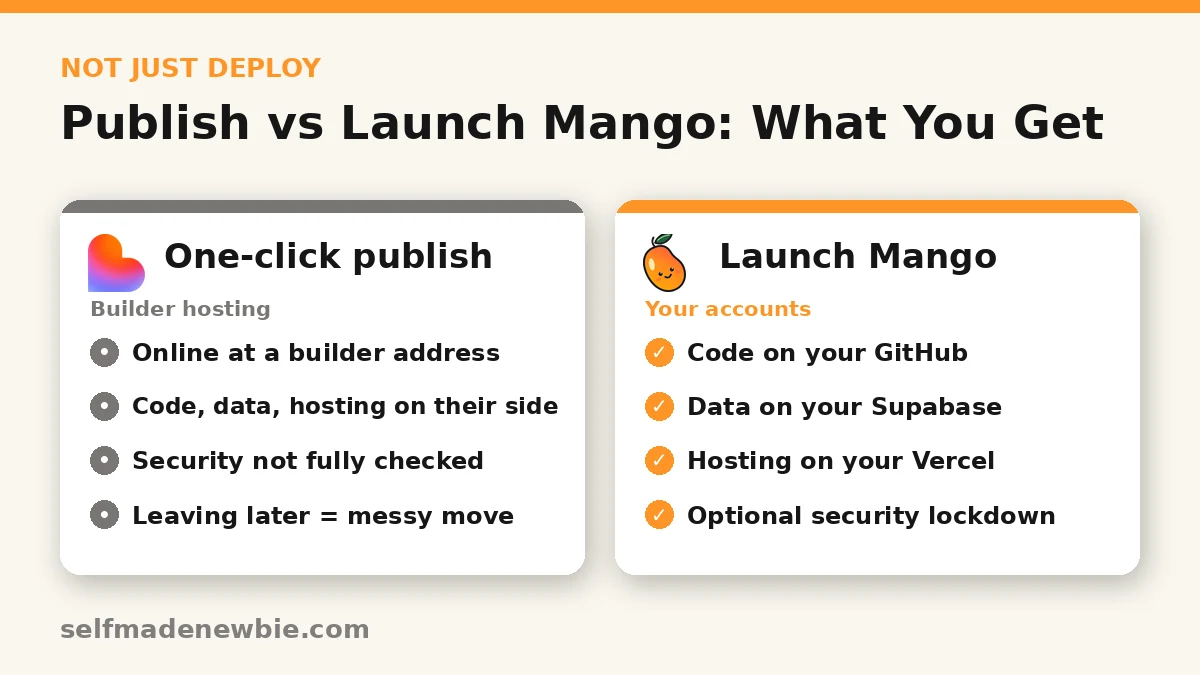
Here’s what most people miss: the builders already put your app online. Lovable’s Publish button gives you a lovable.app address in a couple of clicks and even runs a quick security scan. So “we deploy it for you” alone would be pointless.
Instead, it does two different jobs:
- Ownership. It moves your code, database and environment variables off the builder and onto accounts in your name: GitHub for the code, Supabase for the data and Vercel for the hosting. That’s the $79 Own Your App plan.
- Production readiness. It checks and fixes what a publish button doesn’t: sign-in redirects, Supabase row-level security (RLS), API keys sitting in the browser, and live Stripe payments and webhooks. That’s the $199 Own and Secure plan.
Launch Mango‘s own tagline sums it up: “Your app, on your accounts, safe for real users.” You end up with a live URL on your accounts and a plain-English handover report, usually within 1 to 2 days.
It’s built for apps made with Lovable, Bolt, v0 and Cursor. New to all this? My guide on how to launch your vibe-coded app covers the whole trip from preview to production.
The Lock-In Problem With Builder Hosting
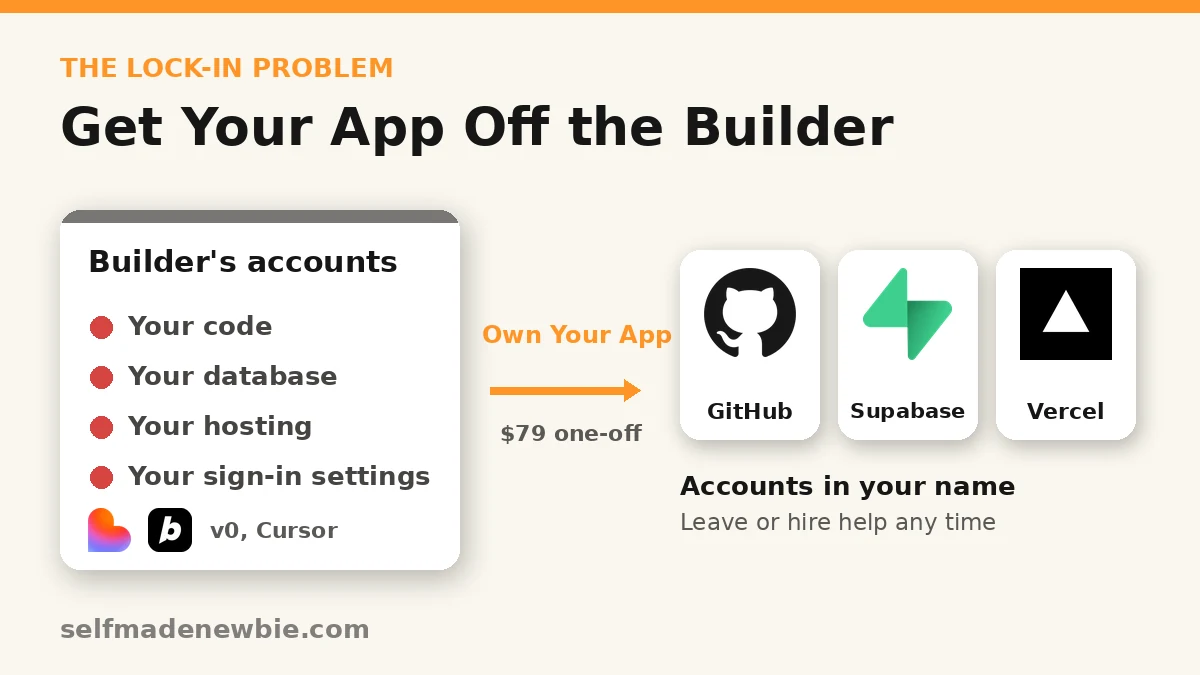
Builder hosting is great for a demo. The catch is where everything lives. With one-click publish, your code, database and hosting sit on the builder’s accounts, and leaving later turns into a messy migration.
- Leaving gets hard. Want to switch tools or cut costs? You start from an export, not a working app.
- Hiring help gets slow. A developer’s first billable hours can go to untangling your builder account.
- Your users’ data is your business. Once people sign up, their records belong in a database you control.
- Domains cost extra anyway. Lovable’s docs say custom domains need a paid plan, so you might as well pay to own the whole thing.
To be fair, Lovable does let you sync your code to GitHub, and that’s a smart first step. But code in a repo isn’t the same as the whole app running on your accounts, with the database, env vars and sign-in settings all moved and working together. That’s the gap Own Your App closes. Prefer to do it yourself? My guide on how to deploy a Lovable app covers every click.
What Launch Mango Checks and Fixes
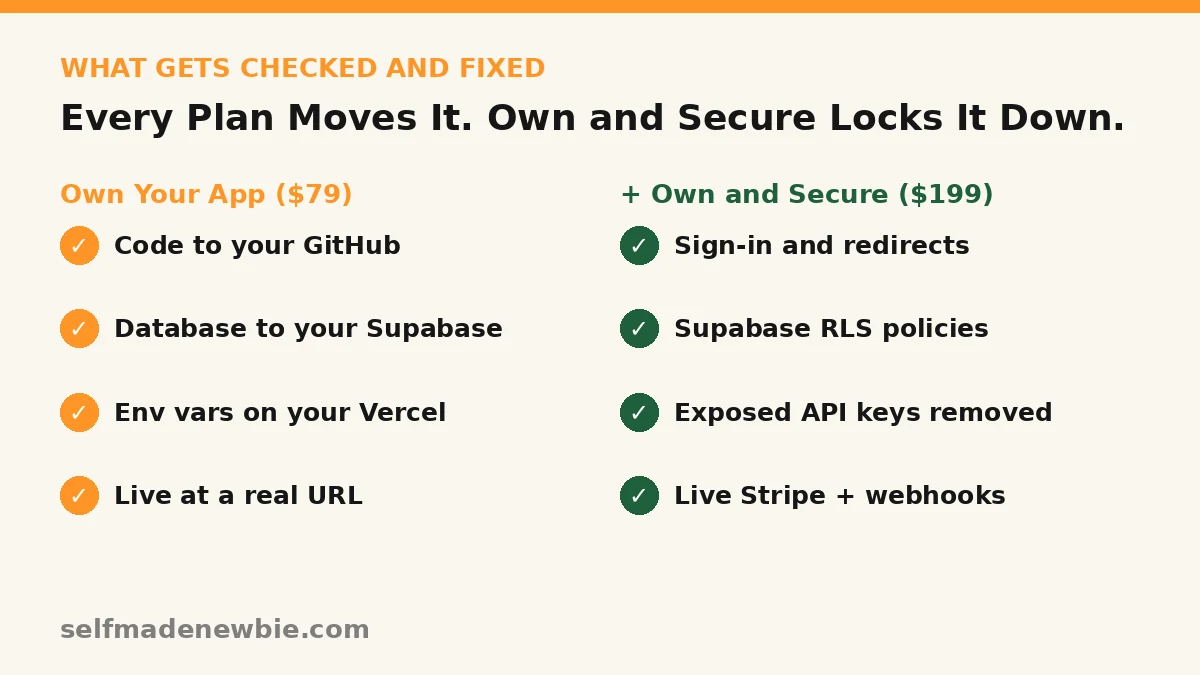
These are the gaps Launch Mango says it sees again and again in builder apps, and which plan handles each one:
| Problem | What goes wrong | Fixed in |
|---|---|---|
| Locked into the builder | Code, database and hosting sit on the builder’s accounts | Both plans |
| Missing env vars | Blank page, failed build or 404 on refresh once the app leaves the builder | Both plans (part of getting it live) |
| Sign-in that breaks | Redirects still point at localhost or a preview URL, so real users can’t log in | Own and Secure |
| Database wide open | Supabase RLS is off or too loose, so anyone with your public key can read other users’ data | Own and Secure |
| Secrets in the browser | API keys shipped in frontend code, where anyone can copy them from dev tools | Own and Secure |
| Payments that don’t stick | Stripe still in test mode, or webhooks that never reach the live app, so people pay and nothing unlocks | Own and Secure |
The scary ones are the silent ones. An open database doesn’t throw an error. A secret key in your frontend doesn’t crash anything. Your app looks perfect right up until someone opens dev tools. That’s why I’d treat Own and Secure, which also includes a security report and a custom domain, as the default for any app with logins, user data or payments.
Not sure which of these your app has? The free app check asks five quick questions (which builder, where the app lives now, what it does and which accounts you already have) and flags your lock-in and security risks before you pay a cent.
How Launch Mango Works
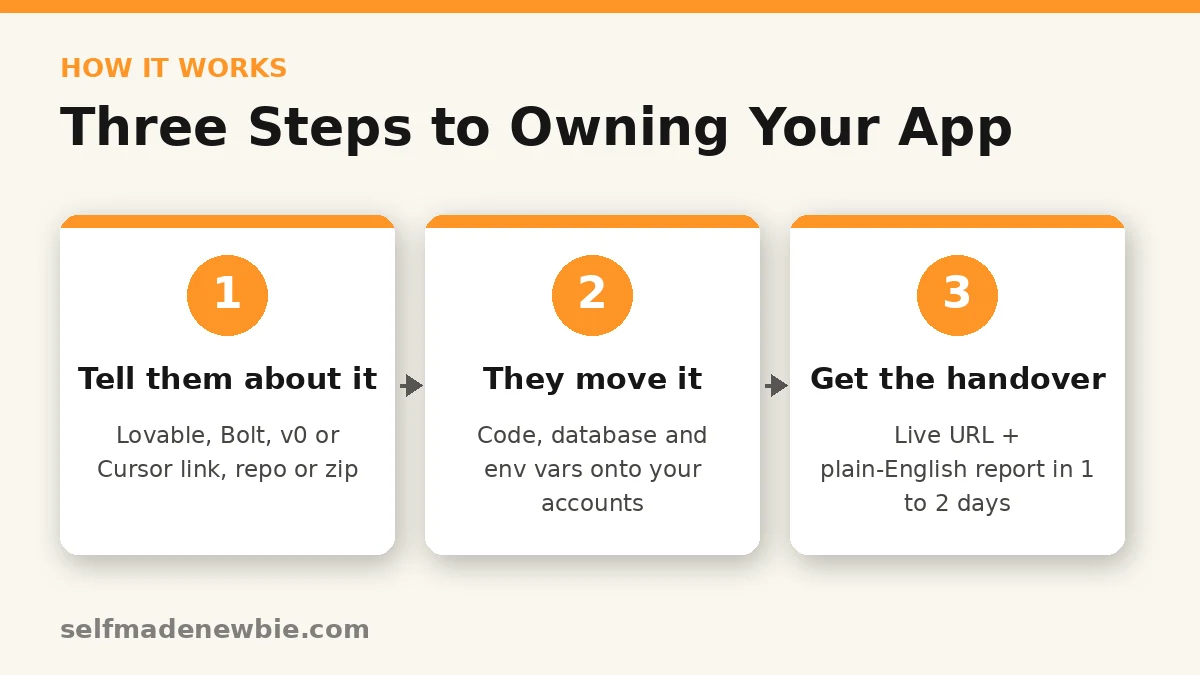
The process takes three steps:
- Tell them about your app. Share your Lovable, Bolt, v0 or Cursor project link, or send a GitHub repo or zip, plus what it uses (sign-in, Supabase, Stripe).
- They move it to your accounts. You create free GitHub, Supabase and Vercel accounts (or invite the team to yours), and they move the code, database and env vars across and put the app live at a real URL.
- Get the handover. Usually within 1 to 2 days, you get your live URL and a plain-English report. With Own and Secure, you get a security report too.
A few details from the FAQ matter more than they sound:
- No downtime drama. Your current app stays live on the builder until the new copy on your accounts is tested and working.
- They don’t keep the keys. Everything is in your name, and the team removes its own access after handover.
- Already published? That’s fine. They move what you have and keep it running during the move.
- Free plans usually cover it. GitHub, Supabase and Vercel’s free plans cover most small apps, and they’ll tell you up front if yours needs a paid plan.
One honest heads-up: Vercel’s free Hobby plan is for personal, non-commercial use. If your app makes money, budget $20 a month for Vercel Pro, no matter who sets it up.
Own Your App vs Own and Secure
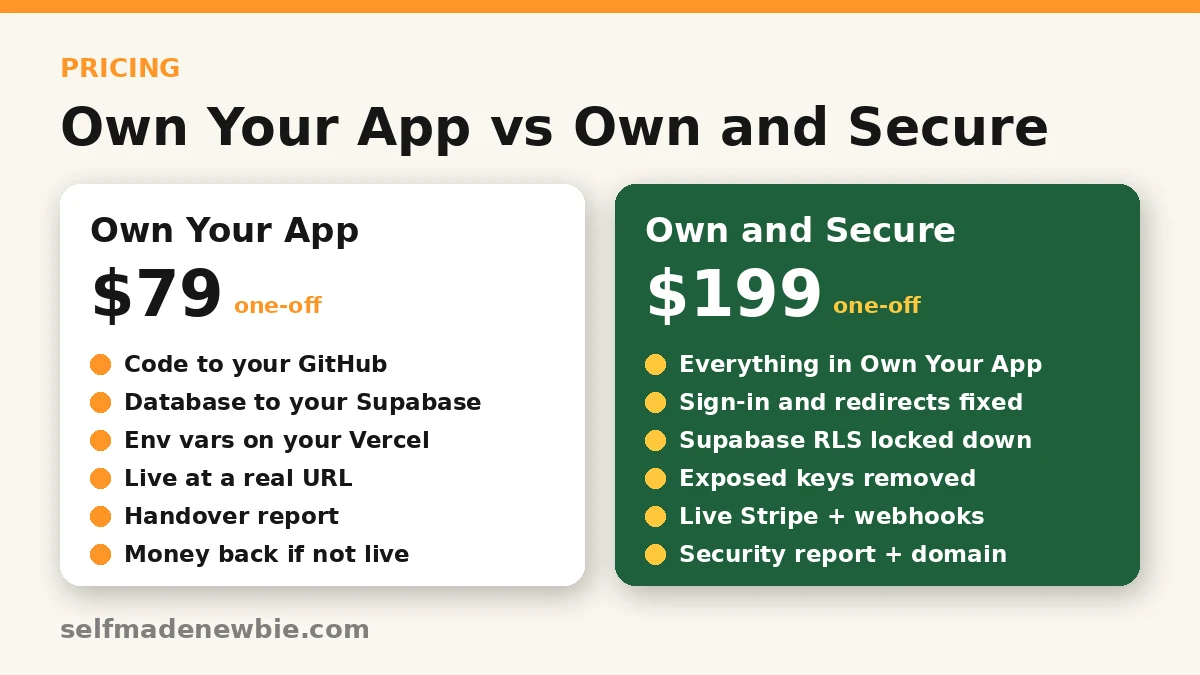
There are two plans, both flat, one-off prices per project. No monthly fee and no hourly bill.
| Own Your App | Own and Secure | |
|---|---|---|
| Price | $79 one-off | $199 one-off |
| Code moved to your GitHub | Yes | Yes |
| Database moved to your Supabase | Yes | Yes |
| Env vars set on your Vercel | Yes | Yes |
| Live at a real URL on your accounts | Yes | Yes |
| Plain-English handover report | Yes | Yes |
| Sign-in and redirects checked and fixed | Not included | Yes |
| Supabase RLS policies locked down | Not included | Yes |
| Exposed API keys and secrets removed from the frontend | Not included | Yes |
| Live Stripe payments and webhooks | Not included | Yes |
| Security report | Not included | Yes |
| Custom domain | Not included | Included |
| Typical turnaround | Usually 1 to 2 days | Usually 1 to 2 days |
| Money back if it doesn’t end up live on your accounts | Yes | Yes |
Pick Own Your App ($79) if…
your app is a simple tool or landing page with no logins or payments, or you’ve already handled security yourself and just want everything on accounts in your name.
Pick Own and Secure ($199) if…
users sign in, you store their data in Supabase, you use API keys (OpenAI and friends) or you take Stripe payments. That’s most real apps. The extra $120 buys the fixes that protect your users and your revenue, plus the custom domain.
Not sure which plan fits? Launch Mango’s free app check takes five quick questions, flags your lock-in and security risks, and tells you whether Own Your App or Own and Secure fits. No card needed. See both plans at Launch Mango »
Launch Mango Pros and Cons
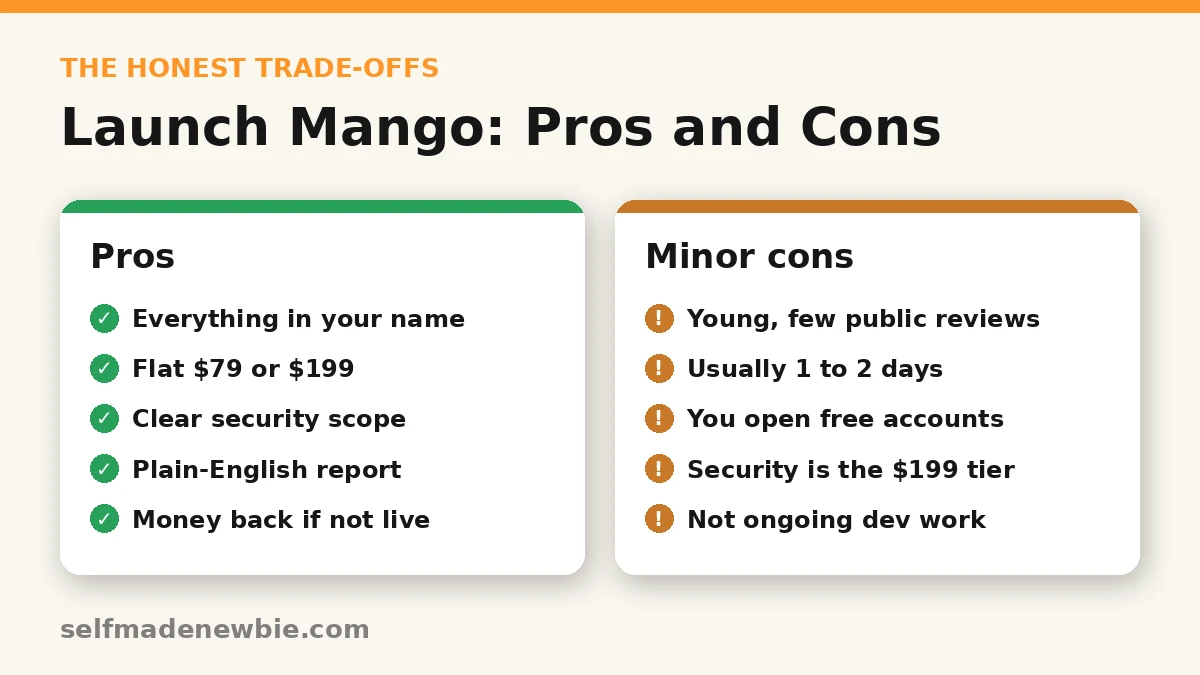
Pros
- You own everything. Code, data and hosting end up on accounts in your name.
- Flat, one-off prices. $79 or $199 per project, so there are no hourly surprises.
- Clear security scope. Own and Secure lists exactly what’s covered.
- A plain-English handover report, plus a security report on Own and Secure.
- Money back if your app doesn’t end up live on your accounts.
- A free app check before you spend anything.
Cons (minor trade-offs)
- It’s a young service, so there aren’t many public reviews yet. The money-back promise and the free check take most of the risk out.
- It isn’t instant. Expect 1 to 2 days. Need a link in ten minutes? Use the builder’s Publish button, and move it properly later.
- You’ll set up a few free accounts (GitHub, Supabase, Vercel). The team shows you how, step by step.
- Security fixes are in the $199 plan, not the $79 one. If your app has logins or payments, pick Own and Secure from the start.
- It’s a one-off job, not an ongoing developer. For new features, hire a freelancer or agency.
Launch Mango vs the Alternatives
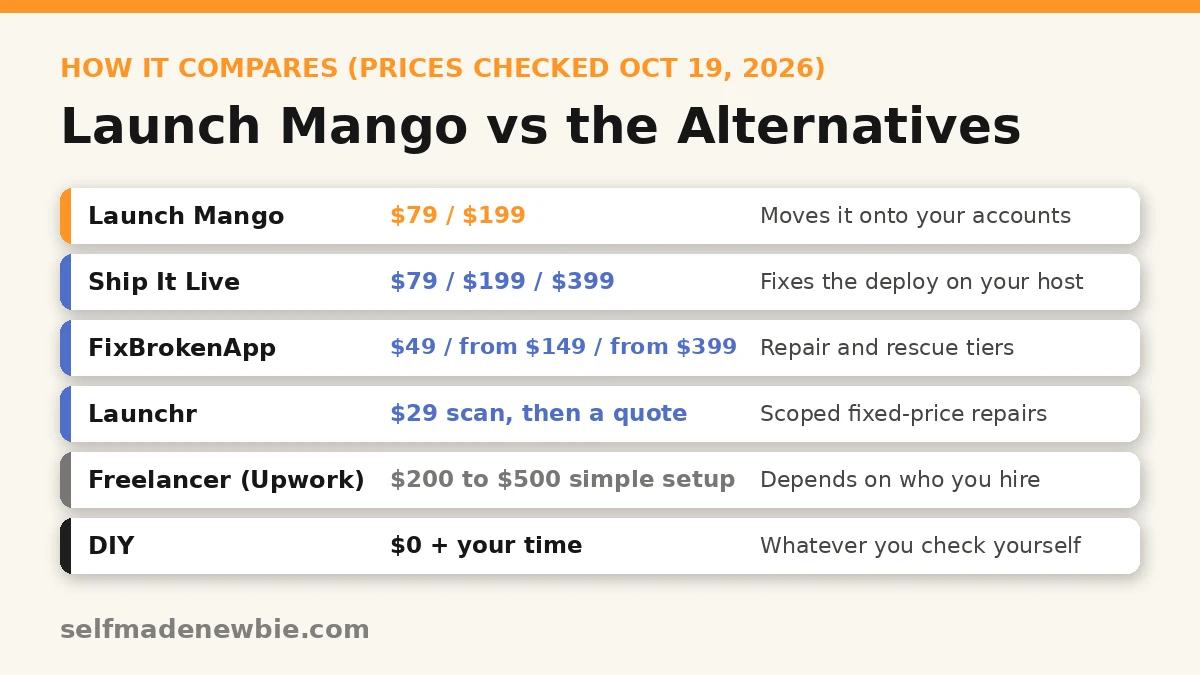
Here’s a fair comparison. Prices come from each company’s own site, checked on October 19, 2026, so re-check before you buy.
| Option | Price | Where your app ends up | Security scope |
|---|---|---|---|
| Launch Mango | Own Your App $79, Own and Secure $199, one-off | Your own GitHub, Supabase and Vercel accounts | Sign-in, RLS, exposed keys and live Stripe webhooks, plus a security report (Own and Secure) |
| DIY | $0 on free tiers, plus your time | Wherever you set it up | Whatever you check yourself |
| Freelancer (Upwork) | Vercel developers $16 to $35/hr; simple deployment setup $200 to $500 | Depends on your brief | Depends on who you hire |
| Ship It Live | Go Live Fix $79 (one deploy issue, 24 hours or free); Launch $199; Launch + Care $399; Security Lockdown $49 extra | Fixes the deploy on the host you use, with read-only repo access | Basic security scan on Launch; Security Lockdown (leaked keys, RLS) included in Launch + Care |
| FixBrokenApp | Free code scan; Diagnosis $49 (credited toward Rescue); Rescue from $149; Launch from $399 | Not spelled out on its pricing page | Rescue closes security holes; Launch wires auth and payments, with 1 week of support |
| Launchr | US$29 scan (refunded if you go ahead with a fix), then fixed-price repairs | Not spelled out on its homepage | The scan names every problem; repairs are scoped per job |
DIY is the cheapest in cash and a great way to learn, but security mistakes are silent. My DIY vs done-for-you deployment breakdown runs the real time and risk numbers.
A freelancer makes sense for big custom work, but you’re writing the brief and checking the work yourself.
Ship It Live is a strong pick if your app already sits on a host you control and one thing is broken, like a white screen or a 404. Its focus is fixing the deploy where it is, not moving everything onto new accounts.
FixBrokenApp suits badly broken apps that need real repair work, with a week of support on its Launch tier. Launchr suits bigger jobs where you want a written scope and fixed price first.
Where Launch Mango wins: it’s built around ownership. The $79 plan exists to get your code, data and hosting into accounts in your name, and the $199 plan adds a clearly listed security pass. To stop depending on the builder and make the app safe in one go, it’s the most direct route here. For more options, see my roundup of the ways to get your Lovable or Bolt app live.
Who Should Skip Launch Mango
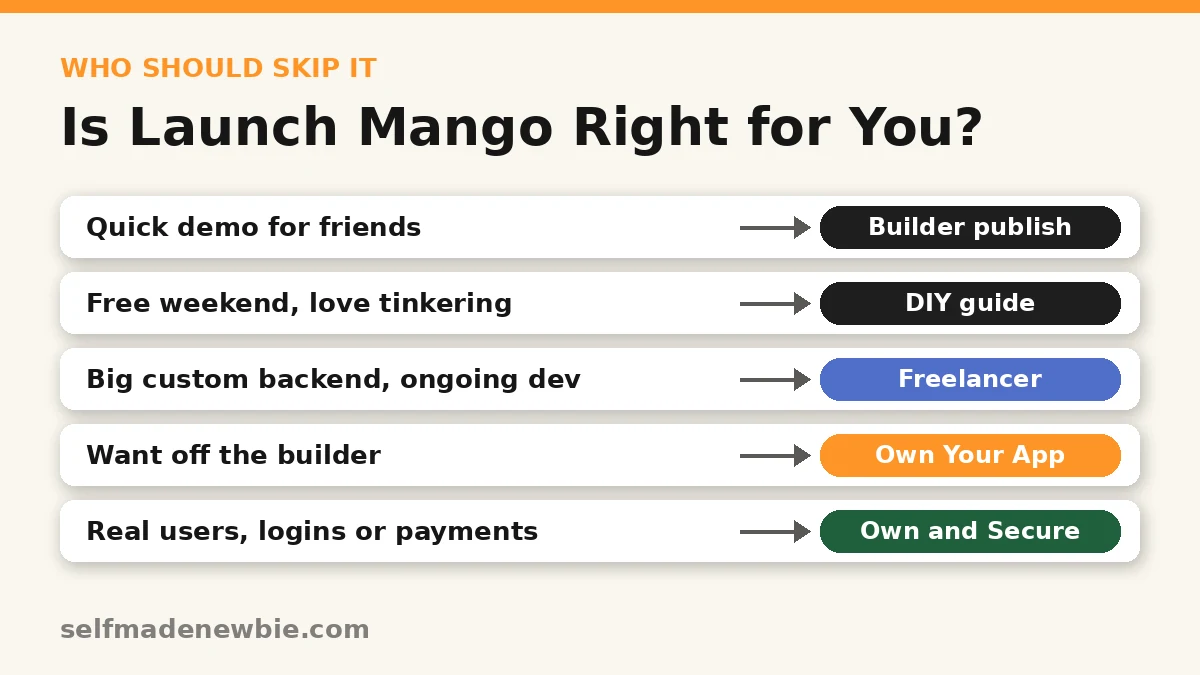
Launch Mango isn’t for everyone. Skip it if:
- It’s a demo for friends. No logins, no payments, no user data? The builder’s Publish button is free and good enough.
- You love the technical side and have a free weekend. Go DIY with my Lovable deploy guide.
- You need ongoing development. Launch Mango is a one-off move and lockdown, not a developer on retainer. Hire a freelancer or agency for new features.
- You need a native app in the App Store. It’s built for web apps made with Lovable, Bolt, v0 and Cursor.
- You’re happy staying on the builder long term and nothing sensitive runs through the app.
Everyone else, especially anyone with real users or payments, is exactly who it’s built for.
Launch Mango Review FAQ
Is Launch Mango legit?
It’s a young service, so there aren’t many public reviews yet. What it does publish is clear: flat prices, a written list of what each plan includes, Stripe checkout and a money-back promise if your app doesn’t end up live on your accounts. The free app check lets you see your risks before you pay.
How much does Launch Mango cost?
$79 one-off for Own Your App, or $199 one-off for Own and Secure, per project. There’s no monthly fee.
How long does it take?
Usually 1 to 2 days once the team has access. Bigger apps can take longer, and you’re told up front.
Will my app go down during the move?
Most people see no downtime. Your current app stays live on the builder while the copy is set up and tested, and your domain only switches once the new one works.
Does Launch Mango keep access to my accounts?
No. Everything is in your name, and the team removes itself after handover.
Do I need paid GitHub, Supabase or Vercel plans?
Free plans cover most small apps. A money-making app should budget $20 a month for Vercel Pro, since the free Hobby plan is non-commercial.
Verdict: Is Launch Mango Worth It?
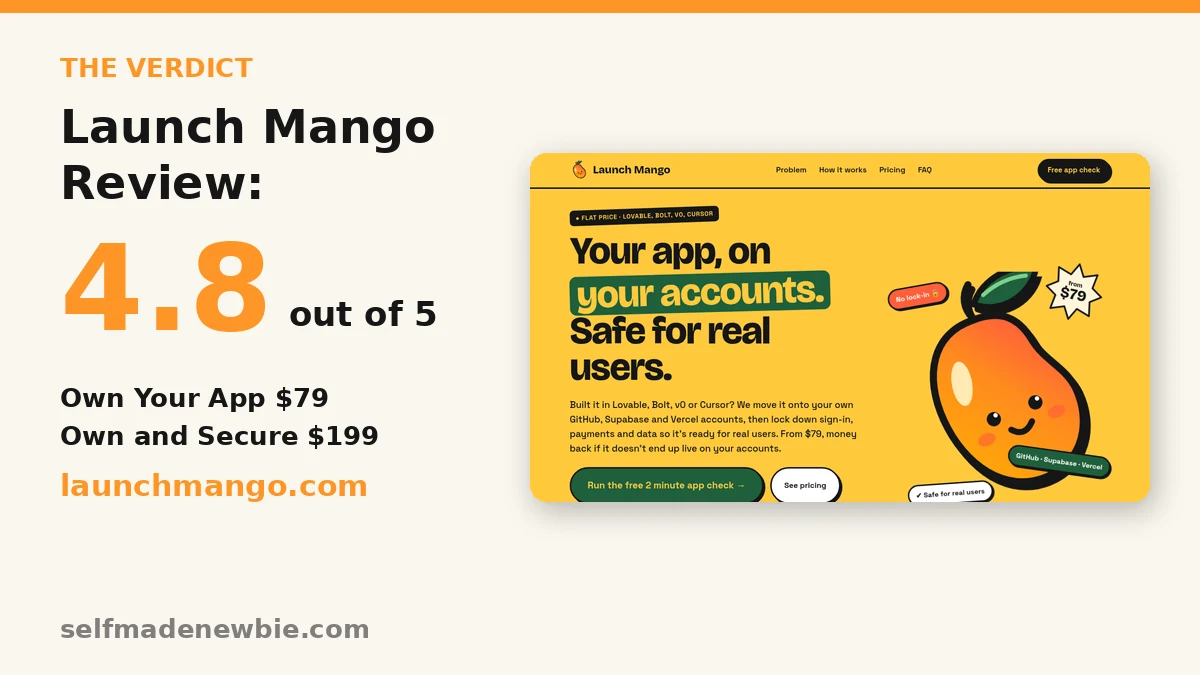
Launch Mango gets a 4.8 out of 5 from me. It solves the problem one-click publish leaves behind: your app is online, but it isn’t really yours, and the parts that keep users safe haven’t been fully checked.
For $79, Own Your App gets your code, data and hosting onto accounts in your name. For $199, Own and Secure also fixes sign-in, locks down your database, pulls exposed keys out of the browser and gets live Stripe payments working. Both come with a plain-English handover and money back if it isn’t live on your accounts.
The only thing keeping it from a perfect 5 is that it’s new, so there’s no big pile of public reviews yet. The money-back promise covers that.
If real people are about to sign up or pay, don’t launch on hope. Run the free app check first, then pick your plan at Launch Mango.
Either way, stop renting your own app. Own it, lock it down, then go get users.


